Veeam Recovery Orchestrator Knowledge Base
vSphere tags for jobs and recovery locations
Veeam Recovery Orchestrator leverages vSphere tags for 2 purposes:
- Define Compute and Storage for a Recovery Location
- Gather Inventory of Virtual Machines to create a Restore Plan
Compute and Storage tagging
Tagging infrastructure components is necessary to create a Recovery Location and let VRO restore to an alternative site. It also lets the administrator set up a pool of resources that VRO can use to recover workloads.
What should be tagged:
- Hosts
- Datastores
No need to tag clusters, datacenters or other objects.
There is no rule on which tags to use, but the recommendation is to create tags so anyone can easily identify which resources they point to.
Virtual Machines tagging
The inventory in Veeam Recovery Orchestrator is a list of VMs used to build recovery plans, and can be populated in several ways (described here).
Tagging VMs is one of these methods, and an interesting one because it allows the Orchestrator to bypass the connection to the production Veeam Backup & Replication server, and use exclusively the embedded VBR for recovery.
By using Restore Plans and VM tagging, the only required connection is to the vCenter. This connection does not need to be maintained continously: it is only needed when new VMs are added or removed and a rescan must be performed.
This is especially useful for isolated environments where no or very limited connection to the production is allowed.
Be aware the other plans still require interaction, and therefore a connection, with the production VBR server.
Assigning tags
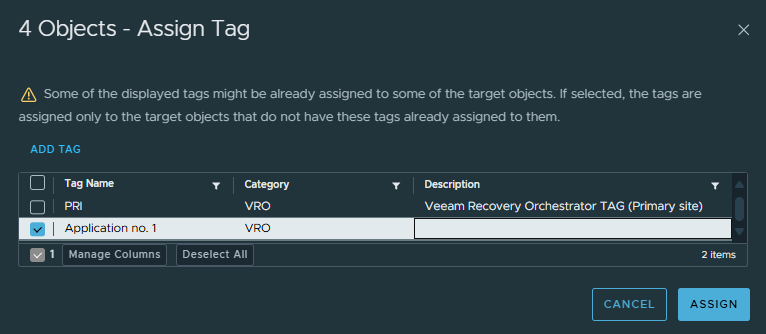
Tagging VMs in a vSphere environment is a simple process that allows you to efficiently group workloads by application or category.
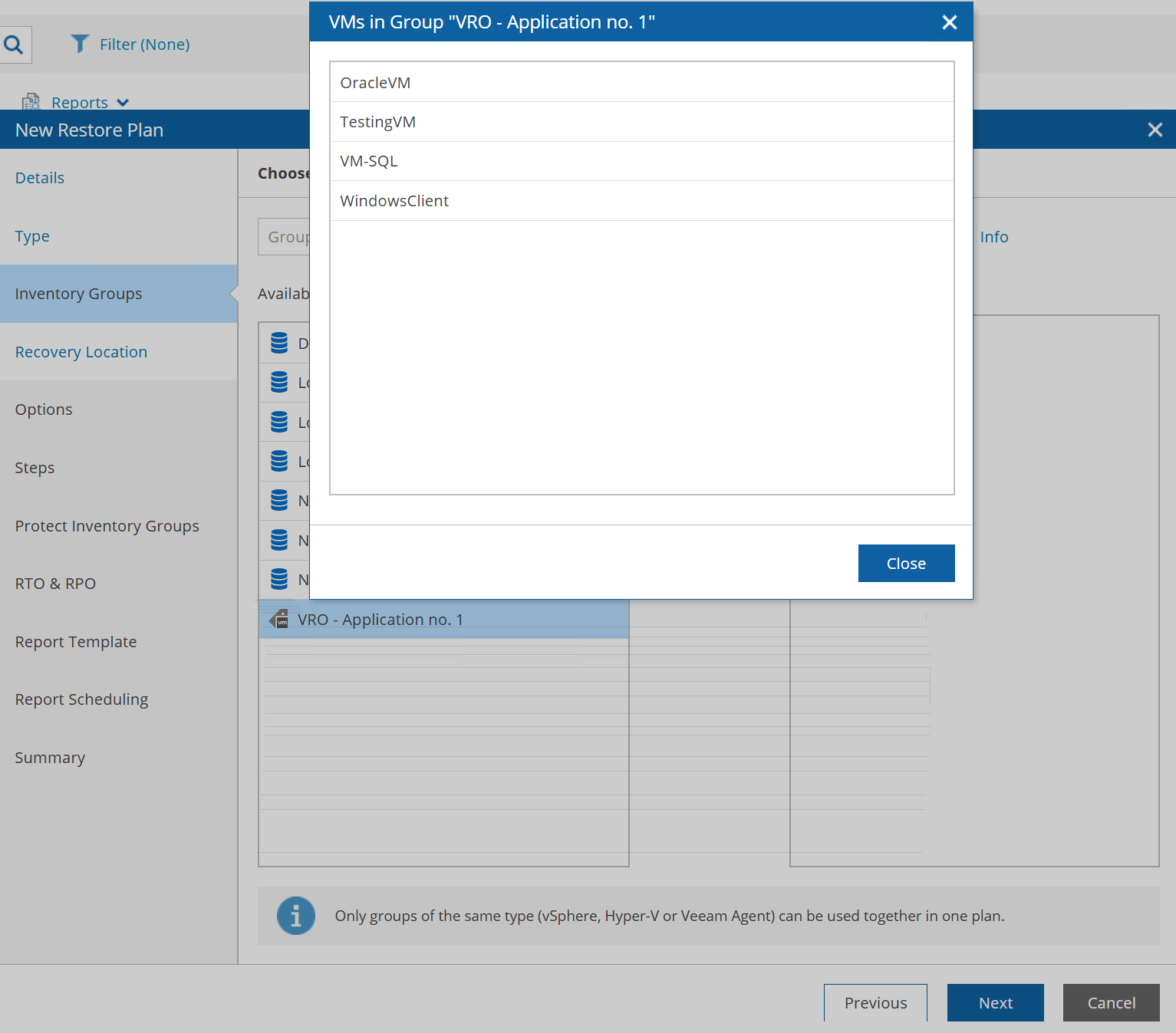
In the Orchestrator, while creating the Restore Plan, tags will appear in Inventory Groups and can be managed just like any other group.